
Apr, 24 2025
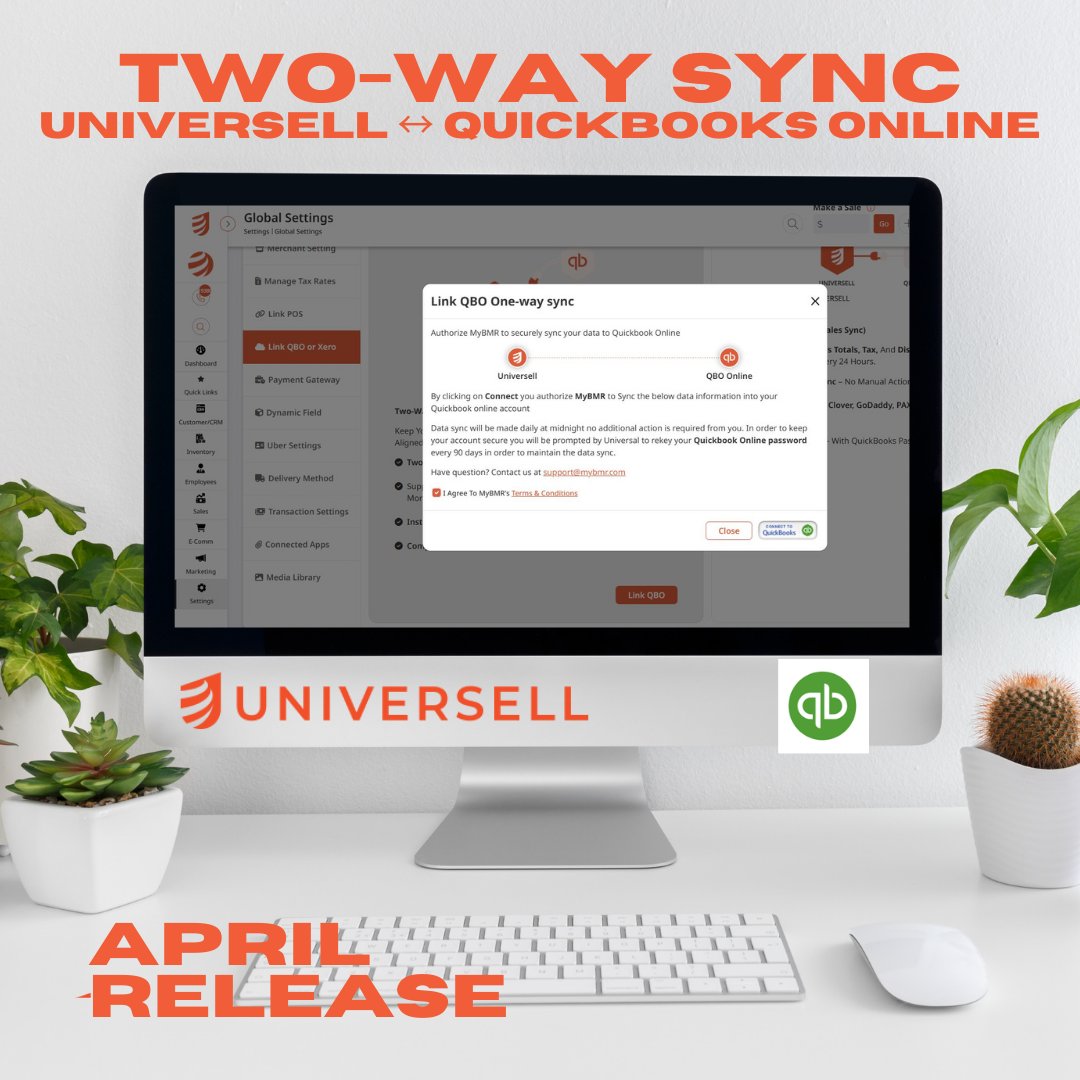
New Feature Release: Two-Way QuickBooks Sync is Now Live on Universell!
Say goodbye to manual accounting and double data entry – Universell just made your bookkeeping smarter.
We’re thrilled to introduce a major upgrade to your Universell experience — the long-awaited Two-Way QuickBooks Sync is now live!
This powerful integration lets you connect your QuickBooks Online account directly with Universell, enabling smooth, real-time synchronization of your financial data.
No more spreadsheets. No more manual data entry. No more switching between platforms to reconcile your books. Just streamlined, accurate accounting built right into your everyday workflow.
🔄 What Is Two-Way Sync?
Unlike basic one-way connections, Universell’s Two-Way Sync works both ways — changes made in QuickBooks Online or Universell update across both platforms, ensuring your records are always up-to-date and error-free.
💡 Key Features & Benefits for Merchants
🧾 Invoices Sync Both Ways
Create or update an invoice in Universell — and it instantly appears in QuickBooks. Make edits in QuickBooks? They’ll reflect in Universell too. No duplication, no conflict.
👥 Customers Stay in Sync
New customers added through Universell will automatically populate in QuickBooks — and vice versa. Keep your CRM and accounting aligned at all times.
💵 Payment Reconciliation in Real Time
Payments made via Universell are recorded directly in QuickBooks, matching invoices and updating balances instantly. It helps keep your financials clean and reduces end-of-month workload.
📊 Accurate Reporting Without Extra Work
By syncing your transactions, customers, and invoices, you gain clearer insights with accurate real-time financial reporting in QuickBooks.
⏱️ Save Time and Reduce Errors
No more switching platforms or worrying about duplicate entries. Save valuable hours every month and eliminate costly accounting mistakes.
🔐 Secure & Easy to Set Up
With just a few clicks, securely connect your QuickBooks account through Universell’s integration hub. Our platform uses bank-level encryption and follows best practices for data security.
🔧 How to Activate It:
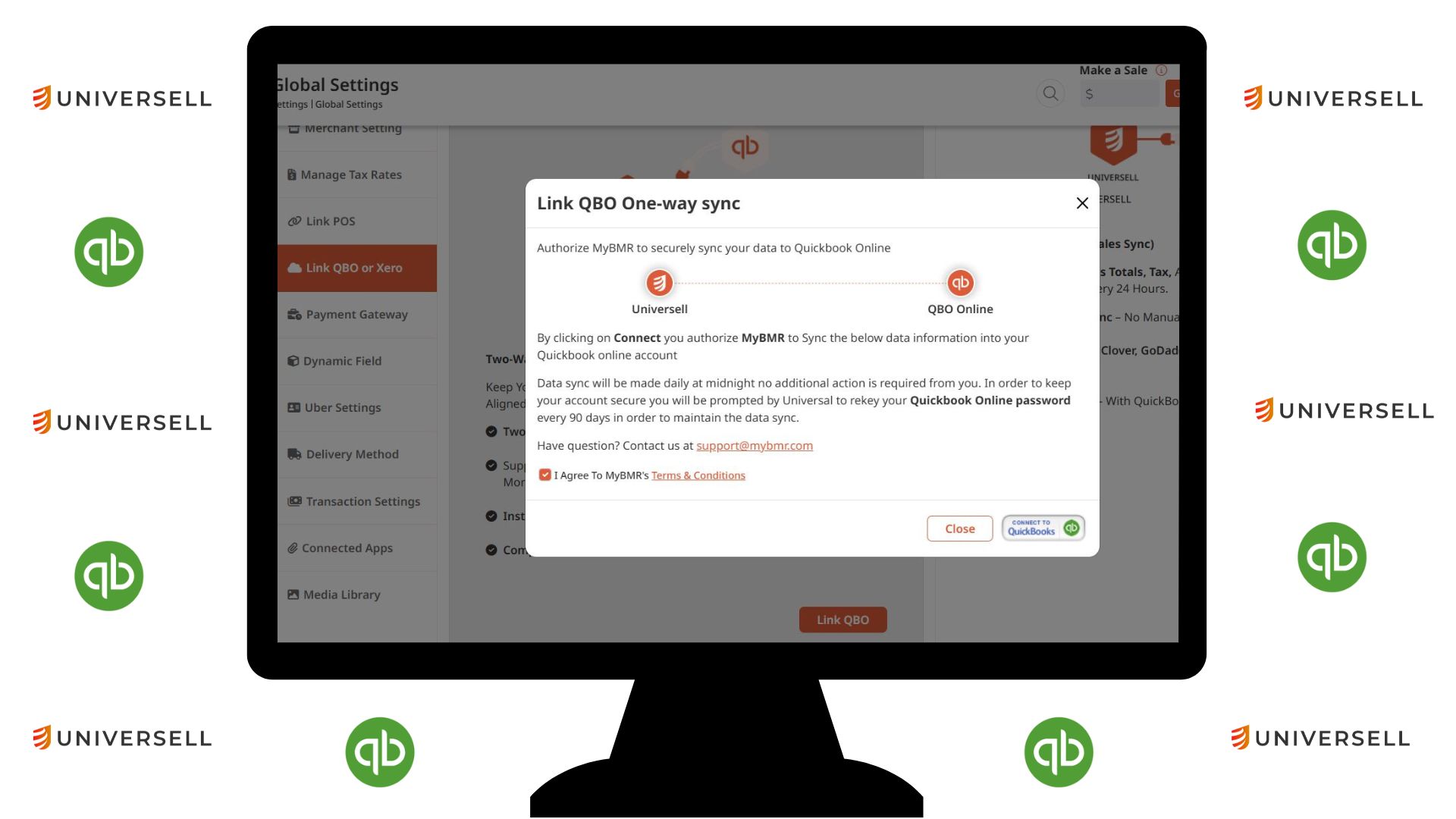
Getting started is simple. Head to your Universell Settings > Global Settings > Link QBO, and follow the easy steps to connect your account. You’ll be guided through secure authorization, and your sync will begin in seconds.
Whether you’re managing appointments, processing payments, or running loyalty programs — your accounting just became effortless.
🧠 Work smarter, not harder – start using QuickBooks 2-Way Sync inside Universell today.
👉 Need help or have questions? Contact our support team anytime at [email protected] .


































