 Introducing the Universell Inventory App
Take Control of Your Stock, Anywhere, Anytime
Effortless inventory management in the palm of your hand.
The Universal Inventory App empowers you to track, manage, and optimize your stock operations with total visibility, whether you're running a retail store, restaurant, warehouse, or franchise. Say goodbye to stockouts, manual errors, and paperwork. Say hello to automation, accuracy, and efficiency.
From receiving goods to detailed stock reporting, every feature is designed to help you work smarter, not harder.
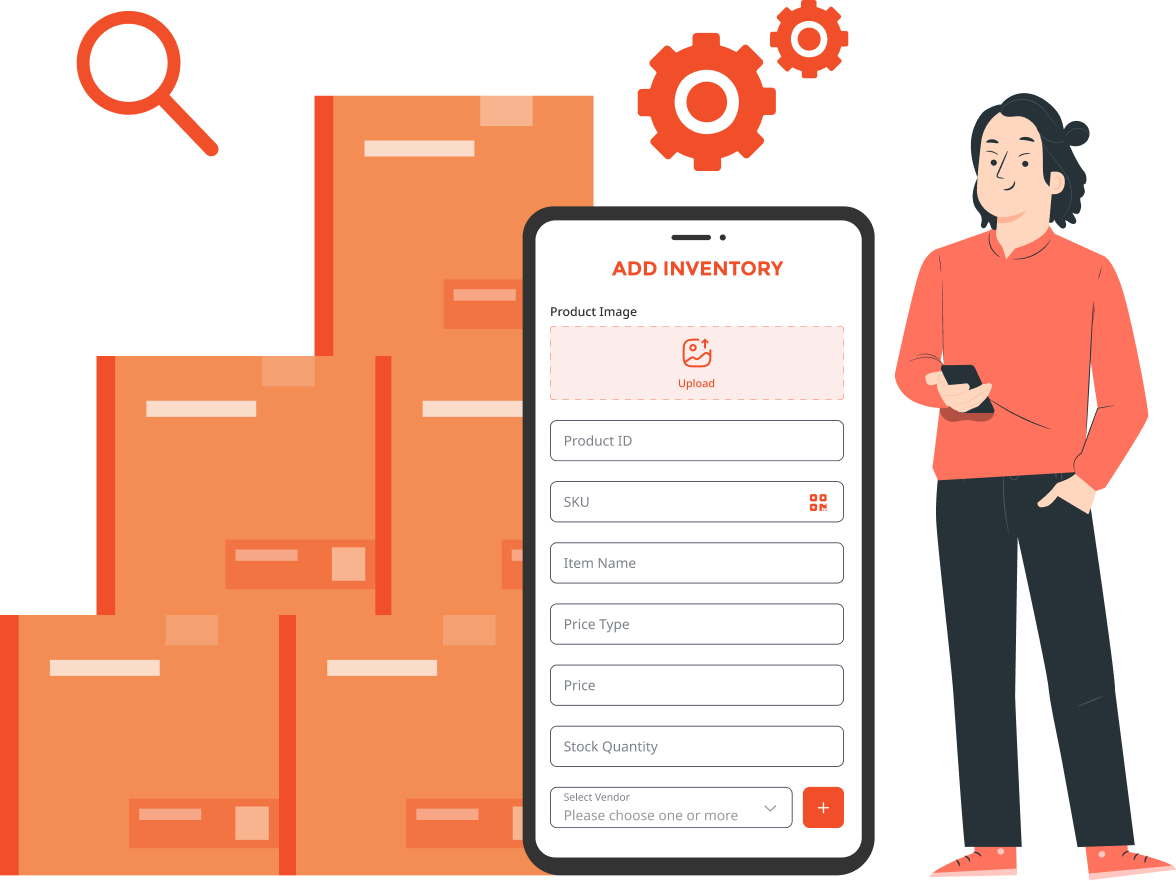
Trusted by Businesses Worldwide
Join hundreds of merchants already managing stock smarter with Universell Inventory App.


500+
Happy Merchants
Already using our app

98%
Accuracy Rate
In inventory tracking

75%
Time Saved
On daily operations

4.9
App Rating
From our users
Smart, Mobile, and Secure Inventory Management
Empower your team with a fast, reliable, and easy-to-use inventory app, designed for real-world environments and built for Android 14+ devices.

Optimized for Rugged Use
Use the app on your team’s smartphones or tablets running Android 14 or higher. For best performance, we recommend the Hotwave tablet, it is a durable, rugged device with a high-quality camera, perfect for scanning inventory in tough environments.

Faster Stock Counts, Less Downtime
Eliminate paper-based counting and manual data entry. Complete inventory checks in a fraction of the time, so your team spends less time counting and more time selling.

Walk-and-Work Capability
Move through your warehouse, store, or stockroom with the app in hand to adjust quantities, verify stock levels, or log updates on the spot.

Built-in Audit Logs
Every inventory change is tracked. Know who added or edited what, when, and why. This helps you to boost accountability and reduce shrinkage.

Real-Time Accuracy
Keep your stock levels precise and updated, reducing out-of-stock errors and over-ordering.

Effortless Scanning
Quickly scan barcodes to add new inventory or update existing stock. No bulky hardware or manual errors.
Everything You Need to Manage Your Inventory
Say goodbye to stock-outs, manual errors, and paperwork. Stay audit-ready and up to date always.
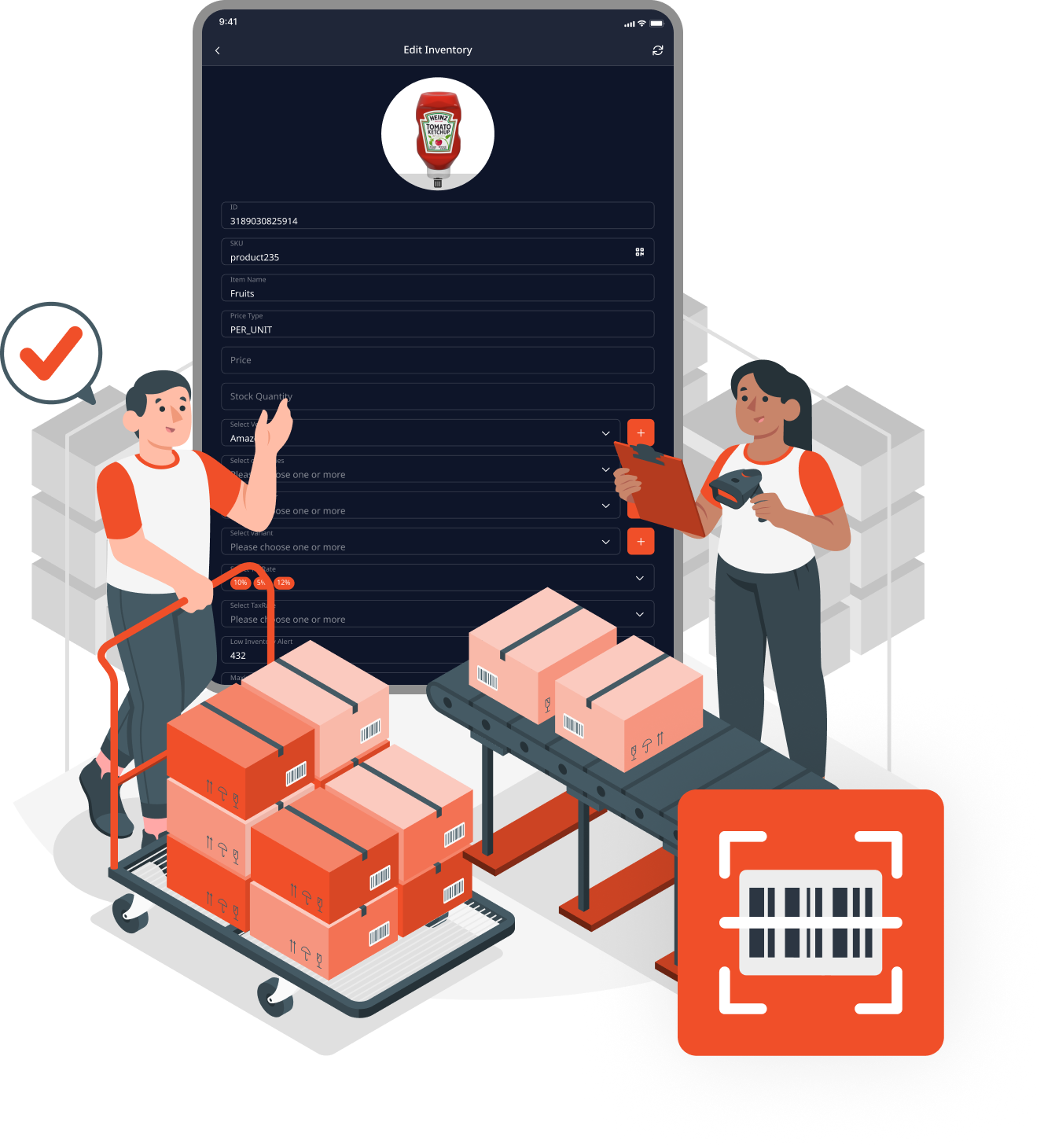
Receiving Log Incoming Stock in Seconds
Clock in inventory as soon as it arrives:
-
 Scan barcodes or add products manually
 - Attach invoices or delivery notes for reference
- Automatically log time, date, and responsible staff
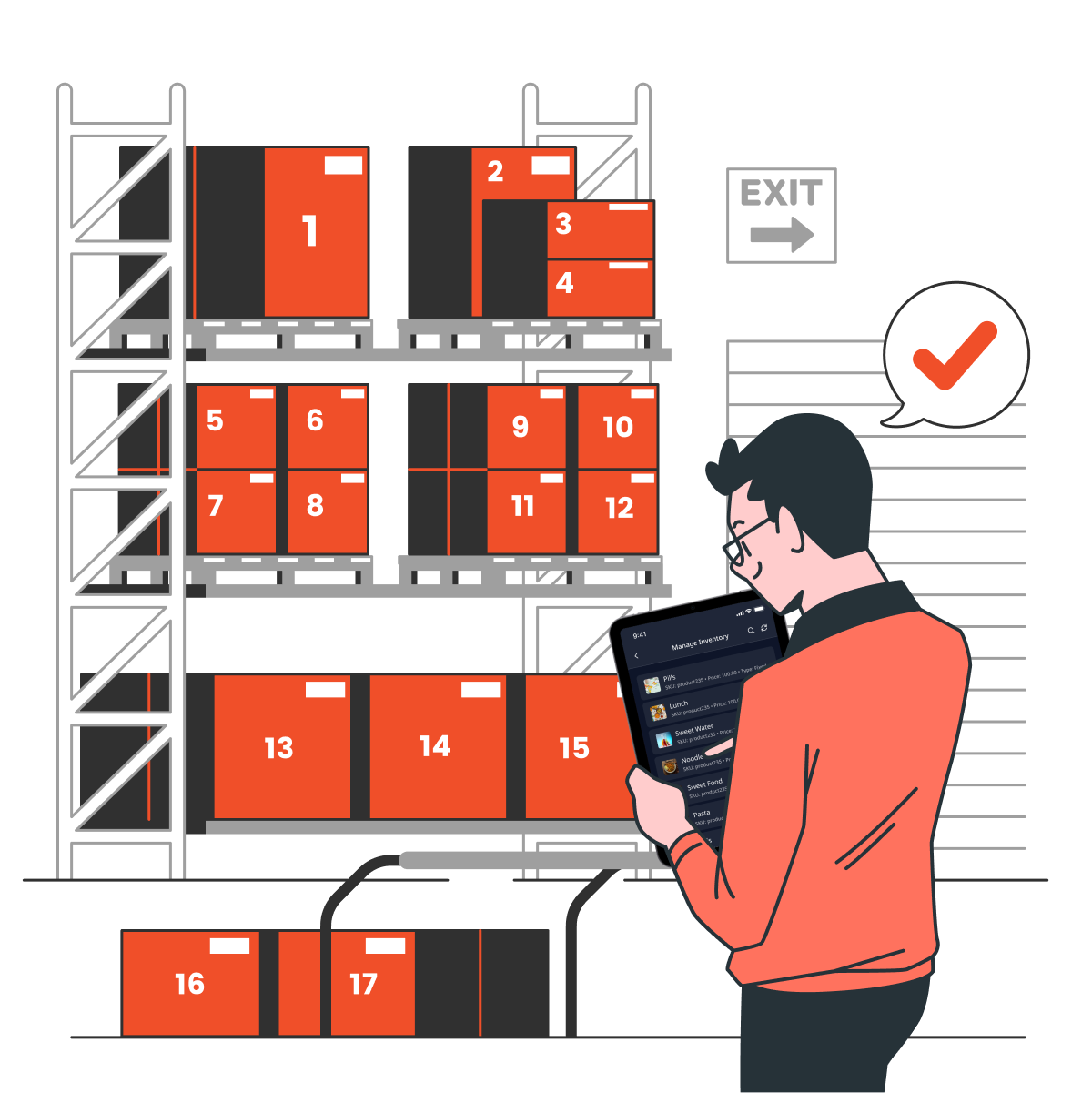
Manage Inventory Real-Time Stock Overview
Your inventory is always just a tap away:
- View and update product details instantly
- Adjust stock levels manually or in bulk
- Track stock movement with employee-level traceability
- Export reports for Excel or PDF in a click
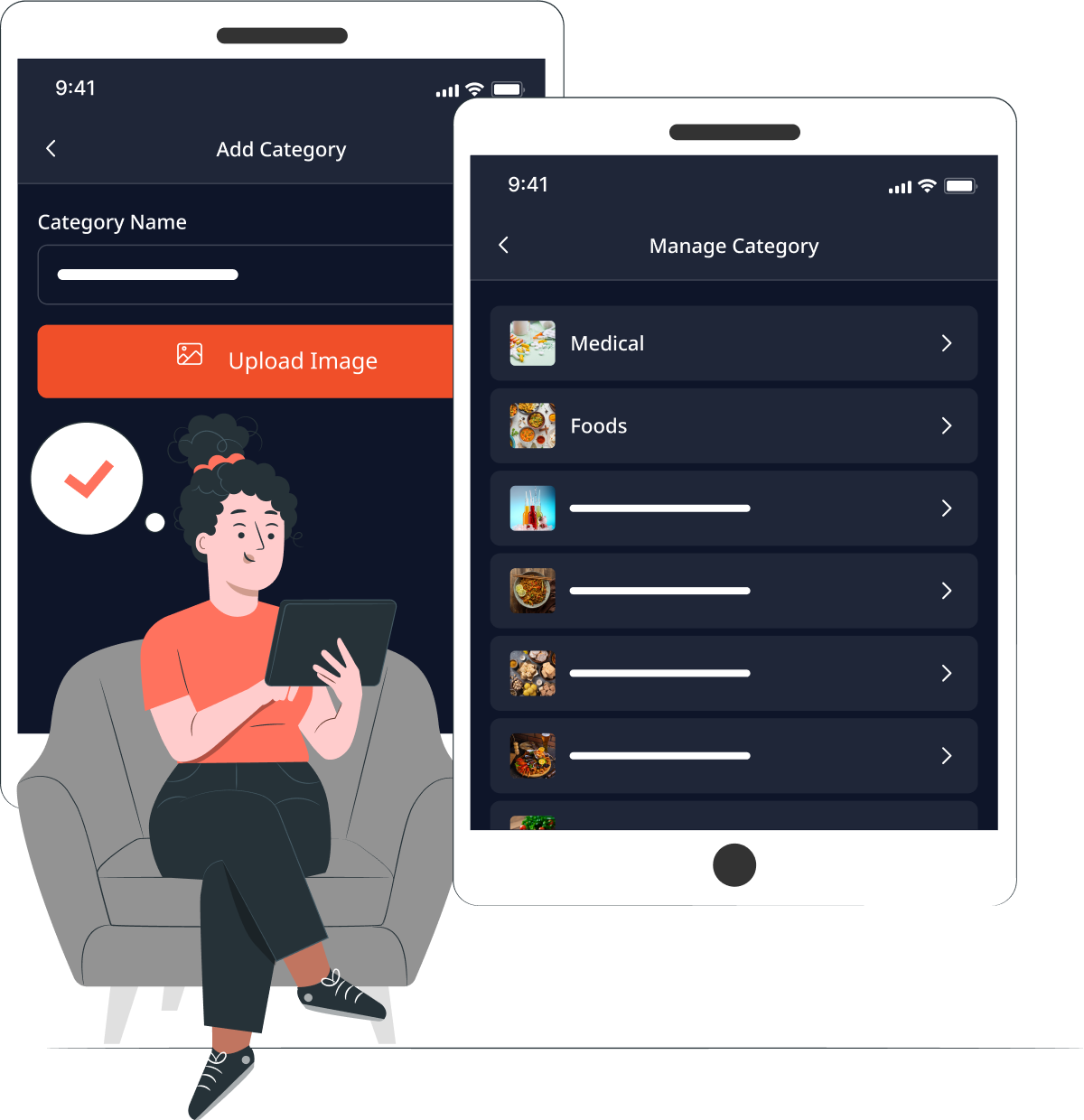
Manage Categories Stay Organized
Sort and group your products easily:
- Create and edit categories on the go
- Improve billing, filtering, and reporting
- Keep your POS neat and navigable
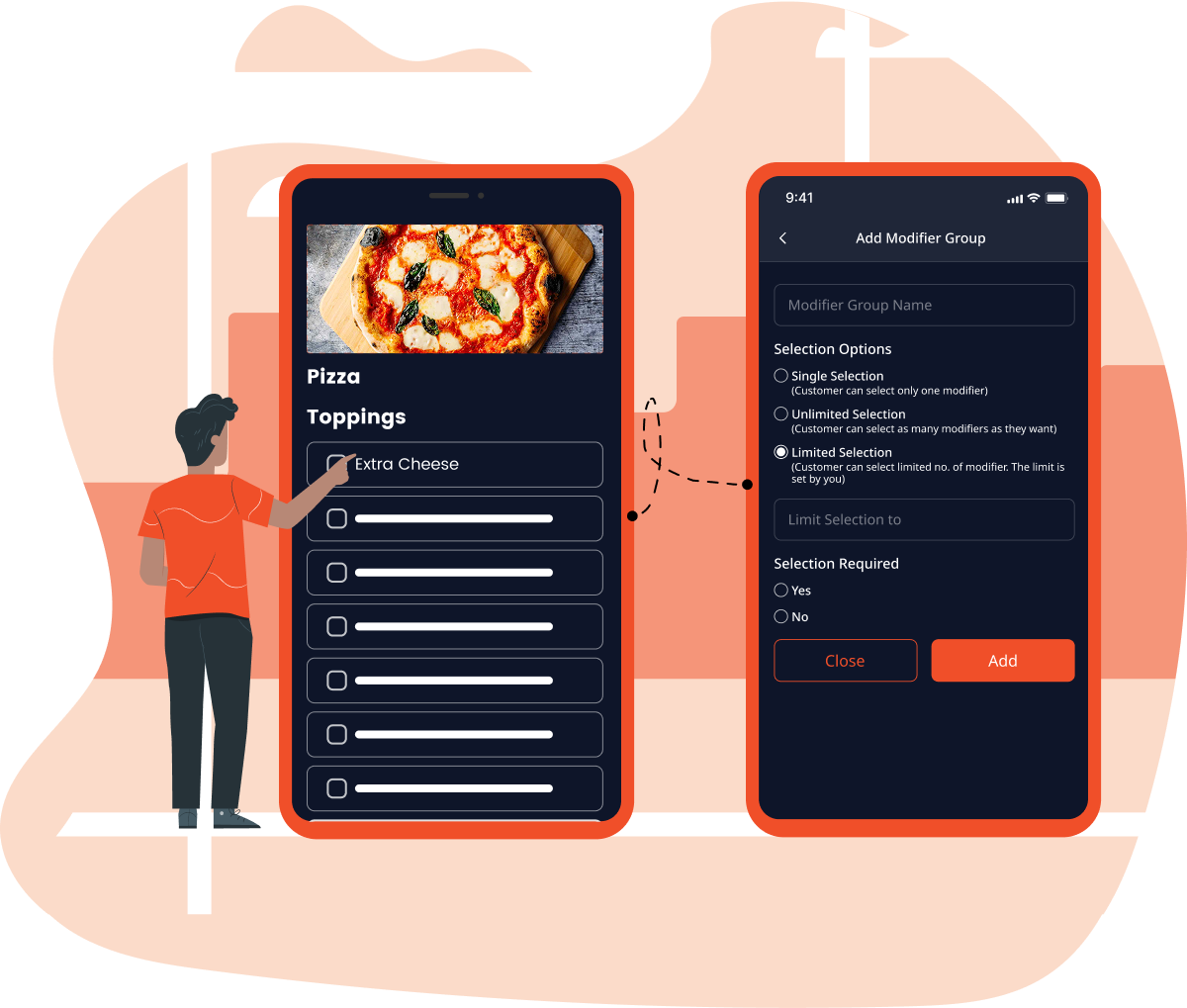
Manage Modifiers Perfect for Add-Ons
Ideal for food, retail, and customizable items:
- Add toppings, add-ons, or customizations
- Automatically reflect changes in billing
- Tailor each product to your customer's needs

Manage Variants Handle Multiple Product Types
For every size, color, or version:
- For every size, color, or version:
- Track variant-wise stock
- Simplify catalog browsing and billing
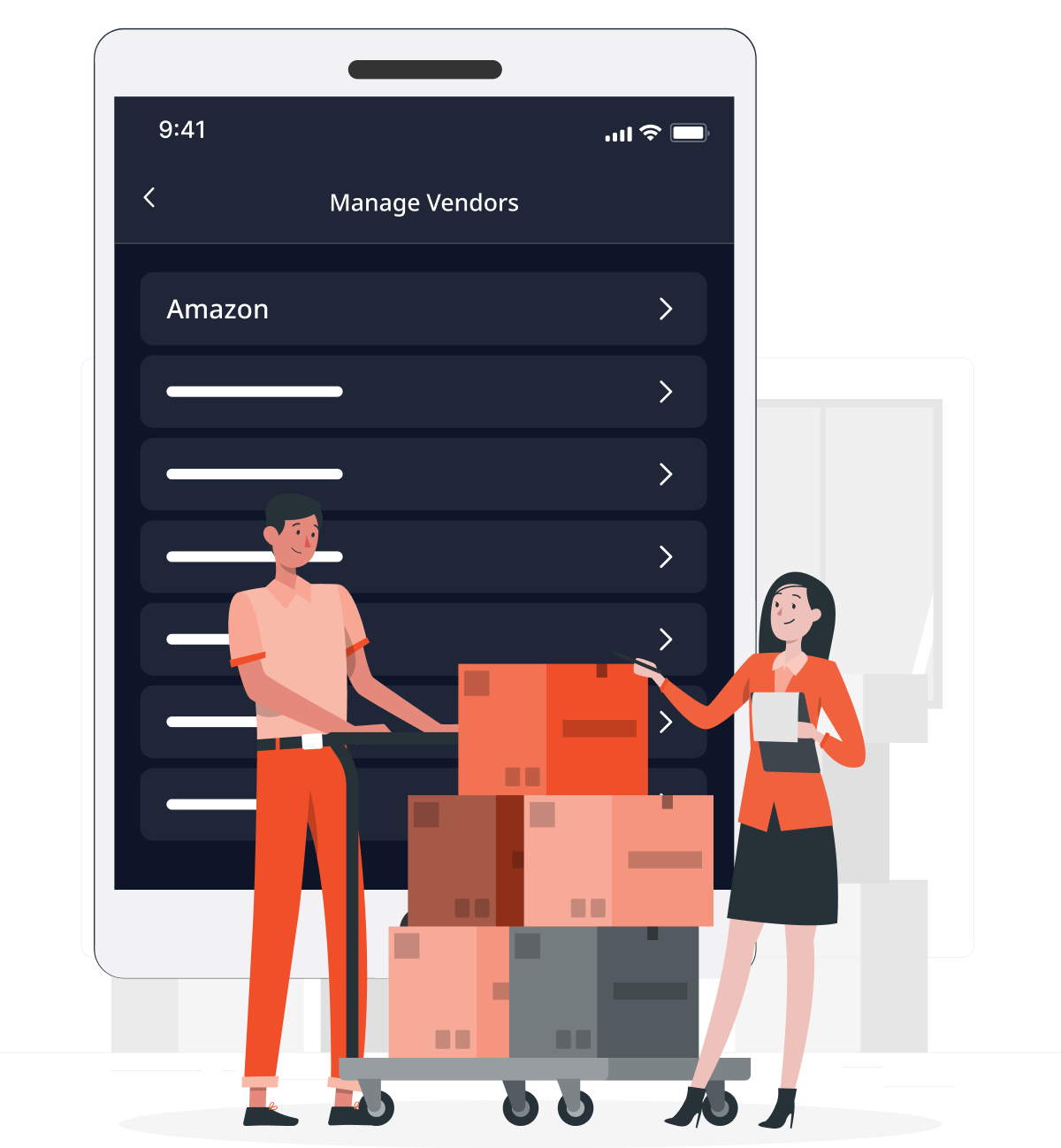
Manage Vendors Stay in Sync with Your Suppliers
Never lose track of who sent what:
- Add and update vendor details
- Assign incoming stock to vendors
- Improve traceability and purchase history
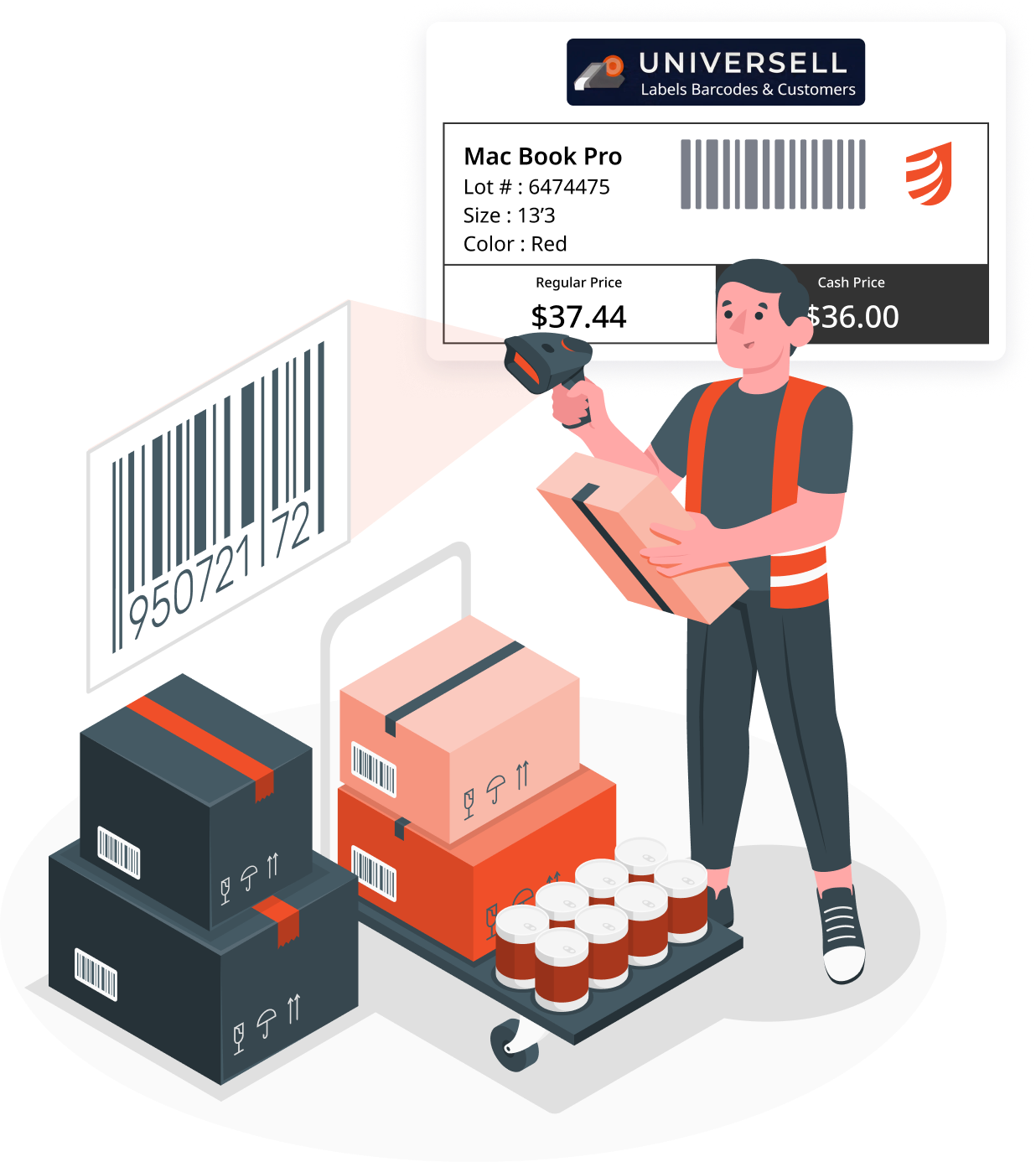
Label Printing Support Use Print Label App to Generate Inventory Labels
Get organized with labels tailored to your workflow:
- Use our Print Label app to design and print labels efficiently
- Ensure that the label designs match your business needs
- Scan printed labels in the Inventory App to quickly add, update, or verify stock


































